Tour
Tasks
The worklist (Tasks) is the central interface where users see and act on the process‐activities assigned to them. Each row represents an activity instance in a running process that the user can inspect or complete.
Overview
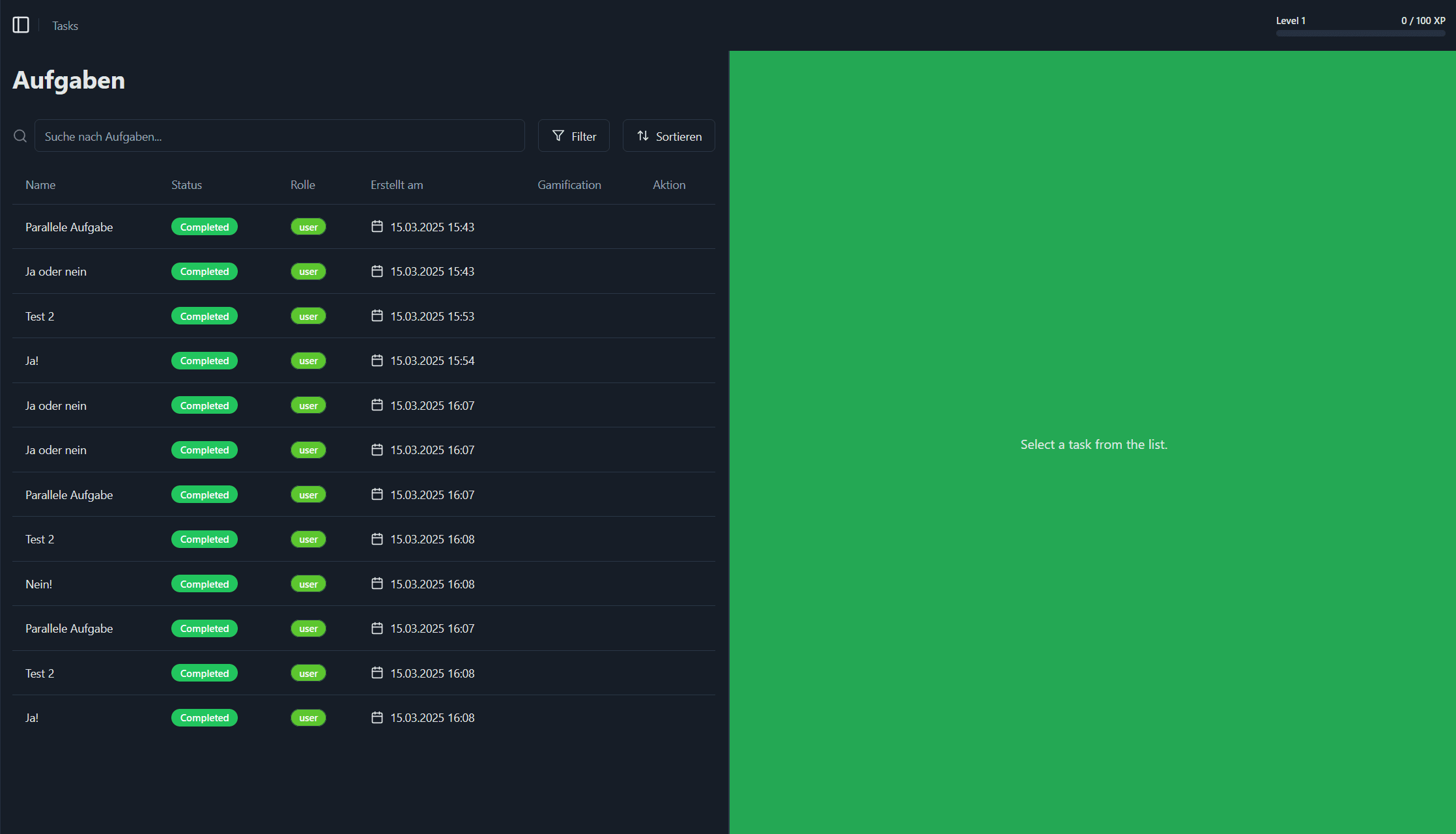
The worklist shows all tasks currently assigned to you. You can search, filter and sort your tasks, inspect details of each activity instance, and perform the available actions.
Task List
| Column | Description |
|---|---|
| Name | The name of the task. |
| Status | Current status of the task (e.g. Completed, Ready, In Progress). |
| Role | The process role to which this task is assigned (e.g. user, manager). |
| Erstellt am | Creation timestamp of this activity instance. Click the calendar icon to pick a date filter. |
| Gamification | XP or badge indicator tied to this task (if enabled) with info on what you can earn by completing this task. |
| Action | Available actions for this task (e.g. Process) |
Task Details Panel
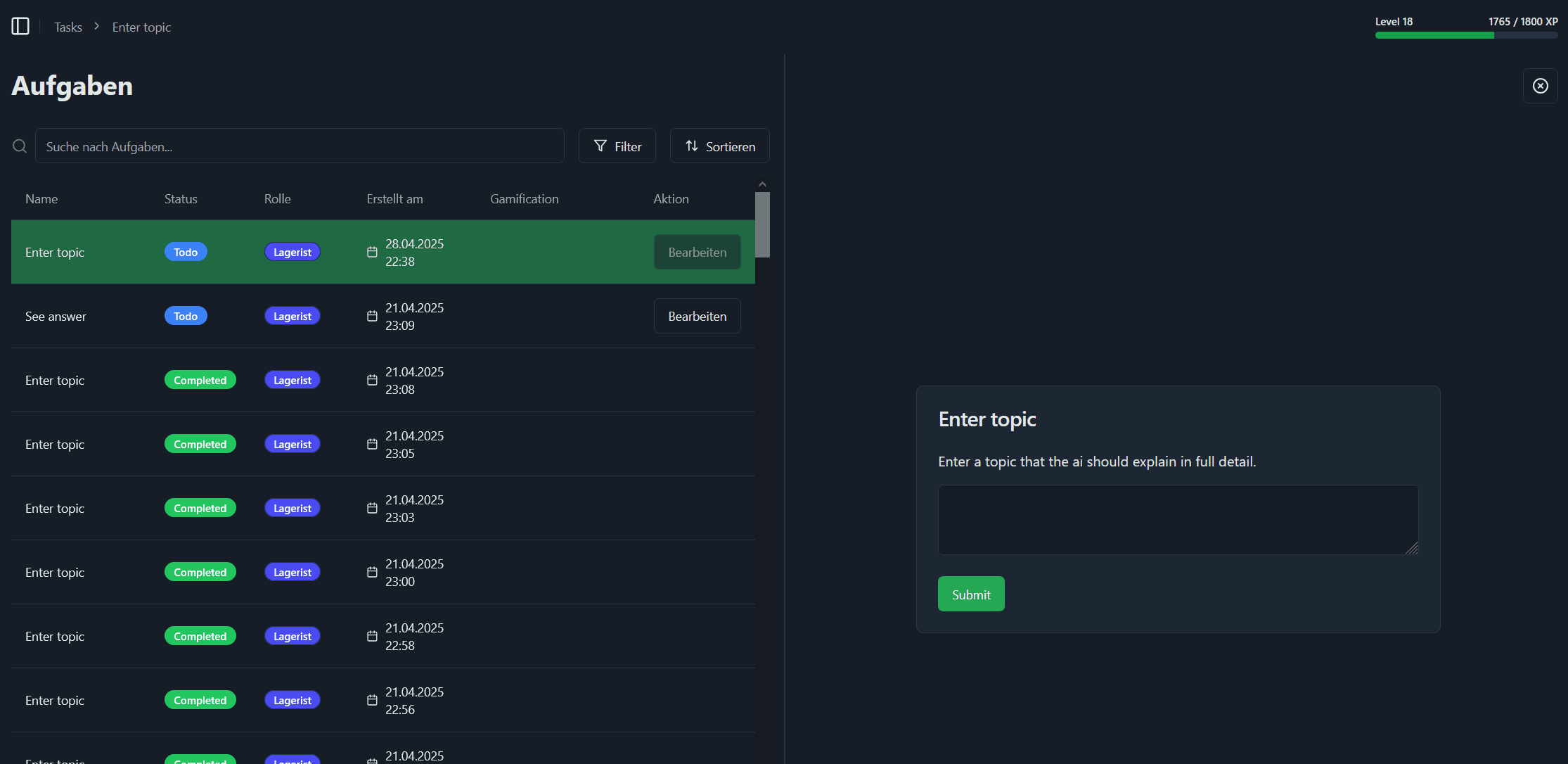
When you select a task, the right–hand panel opens with the task that you selected. You can process the task here and submit it as soon as you are done.
Gamification
On the top right you can see level progress bar which will update as soon as you complete a task which earns you XP. You can also see the current level and how many XP you need to reach the next level.