Team
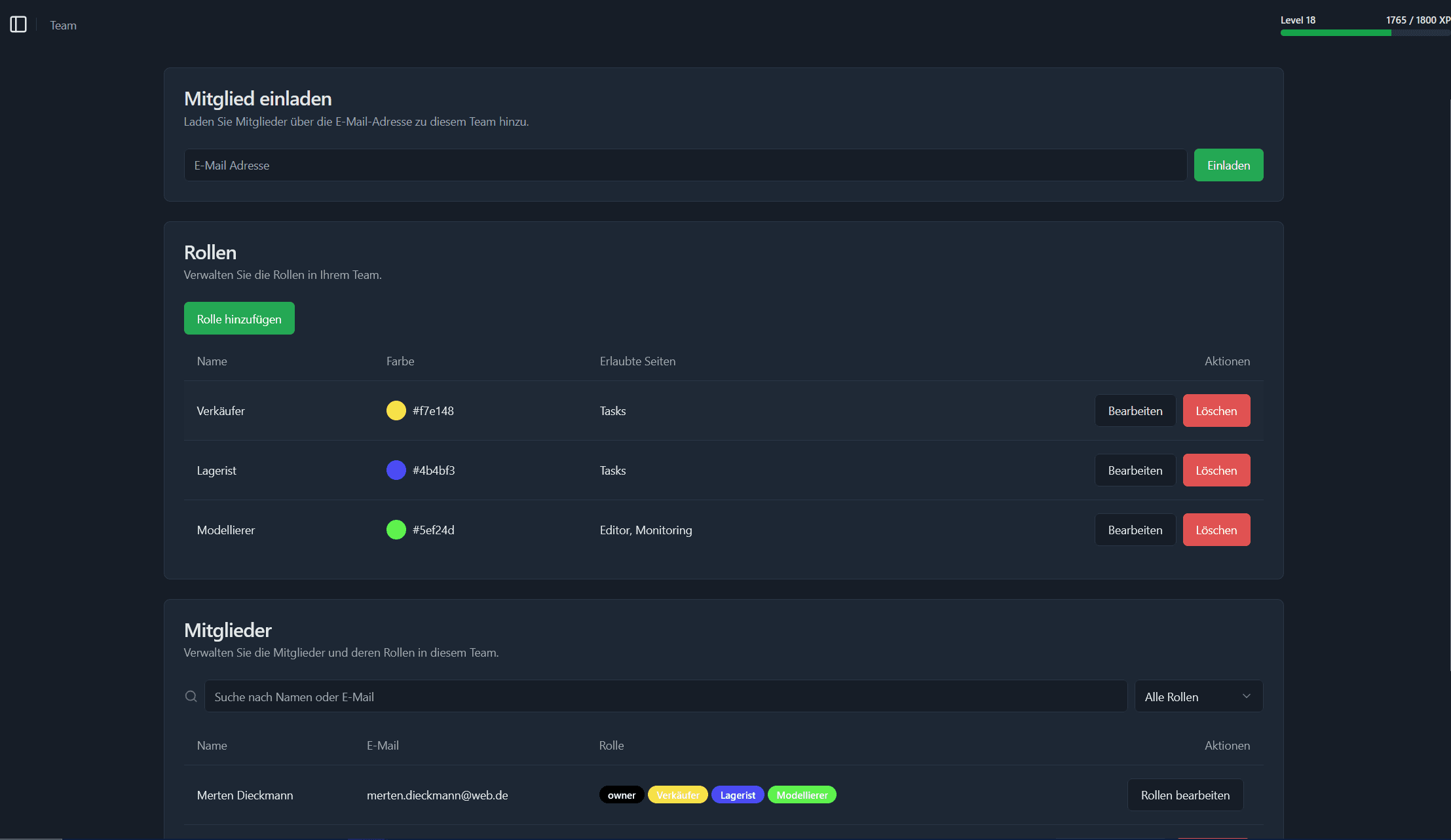
The Team page lets you invite new users, define and manage roles with permissions, and assign roles to your team members.
Overview
The Team page is where you control access to your workspace. You can invite new members by email, create and edit roles (with custom colors and page permissions), and assign or revoke roles for each team member. Invited users will find their invites in the Dashboard.
Invite Member
Use the Invite Member panel to add new users to your team. You can invite other users by entering their email address. Once they are invited they will see the invitation in their dashboard. You can invite users that are not yet registered in the system. They will still see the invitation once they register.

Roles
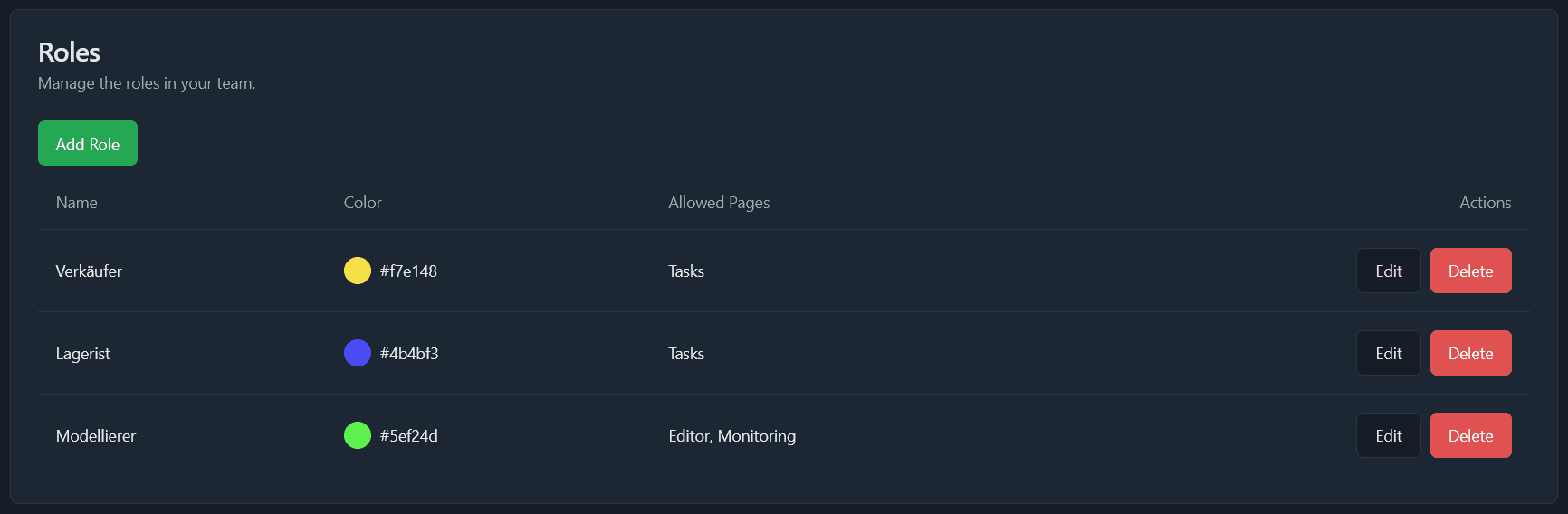
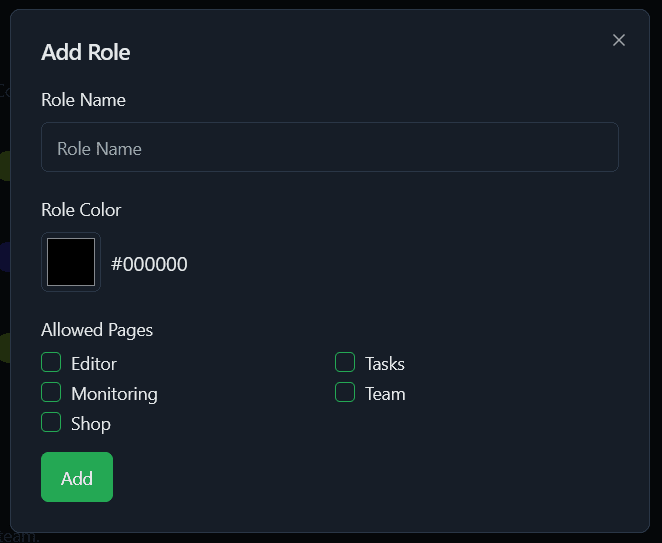
Roles are a way to group users and assign them specific permissions. You can create custom roles with different permissions for each page in the system. Each role has a color that will be used to highlight users with that role in the team overview. Roles are also used in the process editor to define which users should act on which tasks.
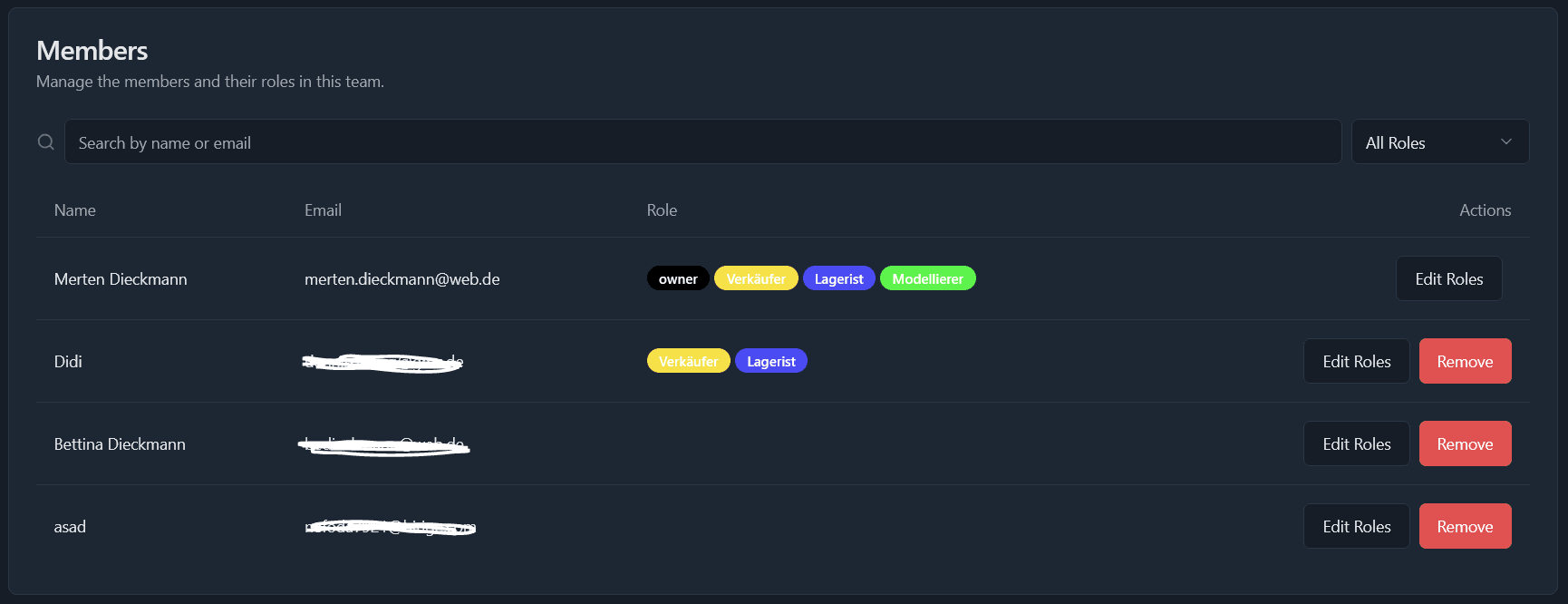
Members
The Members section shows all users in your workspace. You can see their names, email address and the roles they have. You can also remove users from your workspace here and edit their roles.